~/learn
Learn to build
The same skills behind the products in the store, explained properly. Start with a terminal, end with something you built yourself.
$ ./search --no-results
No guides match that search. Try another term.
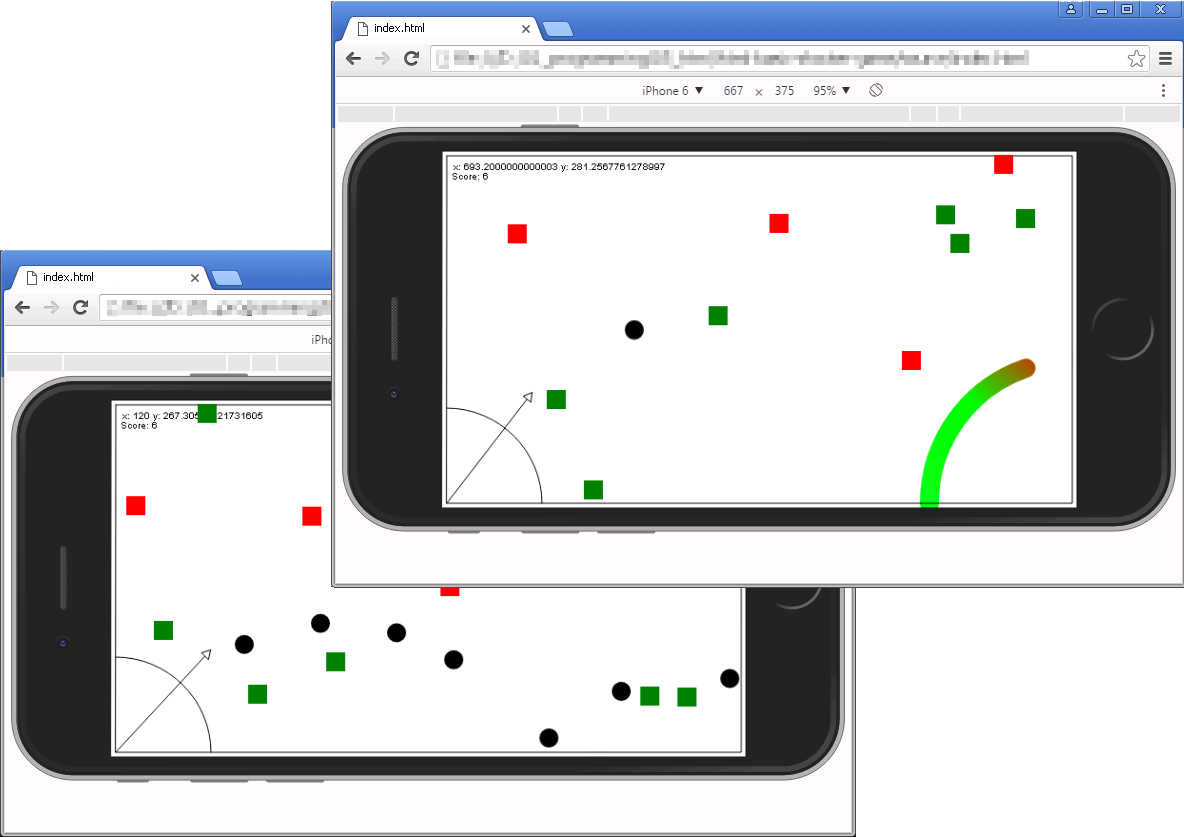
Build a Browser Game
HTML5 canvas game built from scratch with JavaScript.
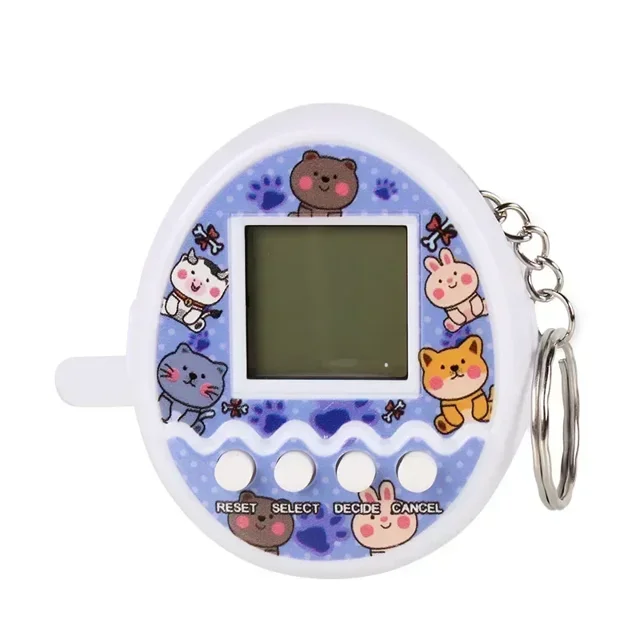
Build a Digital Pet
Tamagotchi-style virtual pet with OLED, buttons and buzzer.
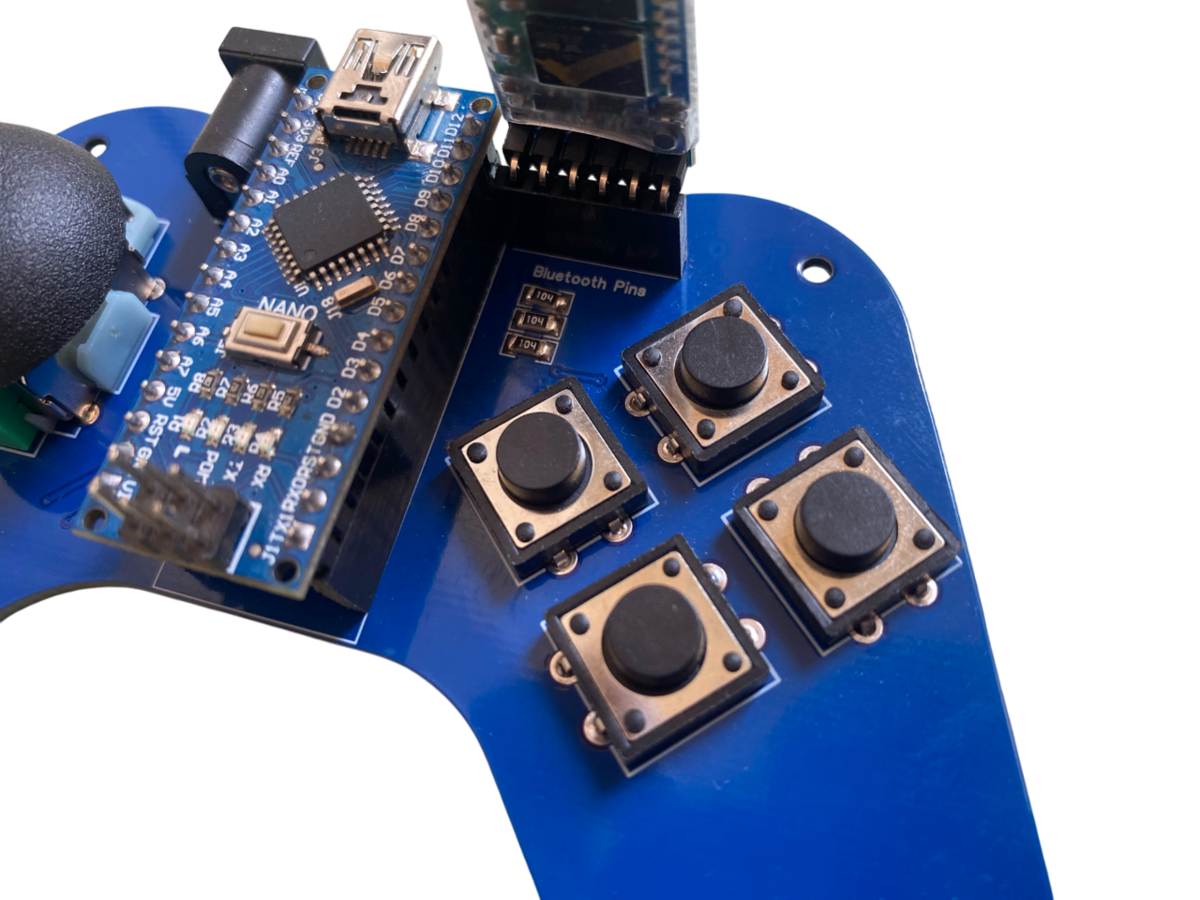
Build a Game Controller
USB gamepad with arcade buttons, joystick and 3D-printed case.
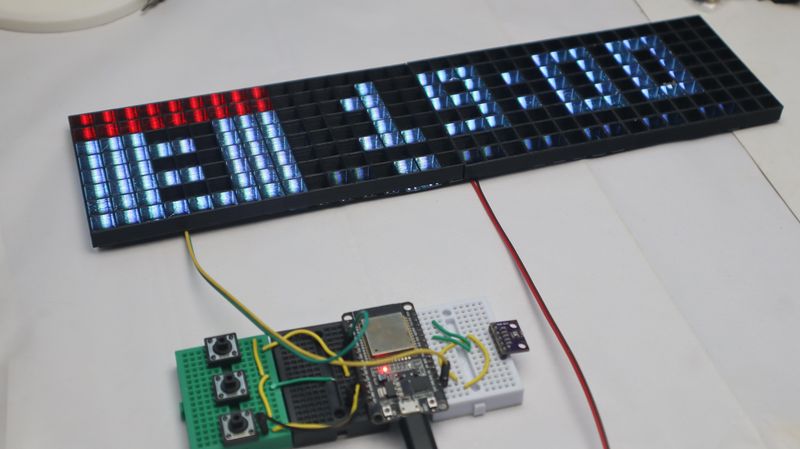
Build an LED Word Clock
Time displayed in glowing letters behind frosted acrylic.
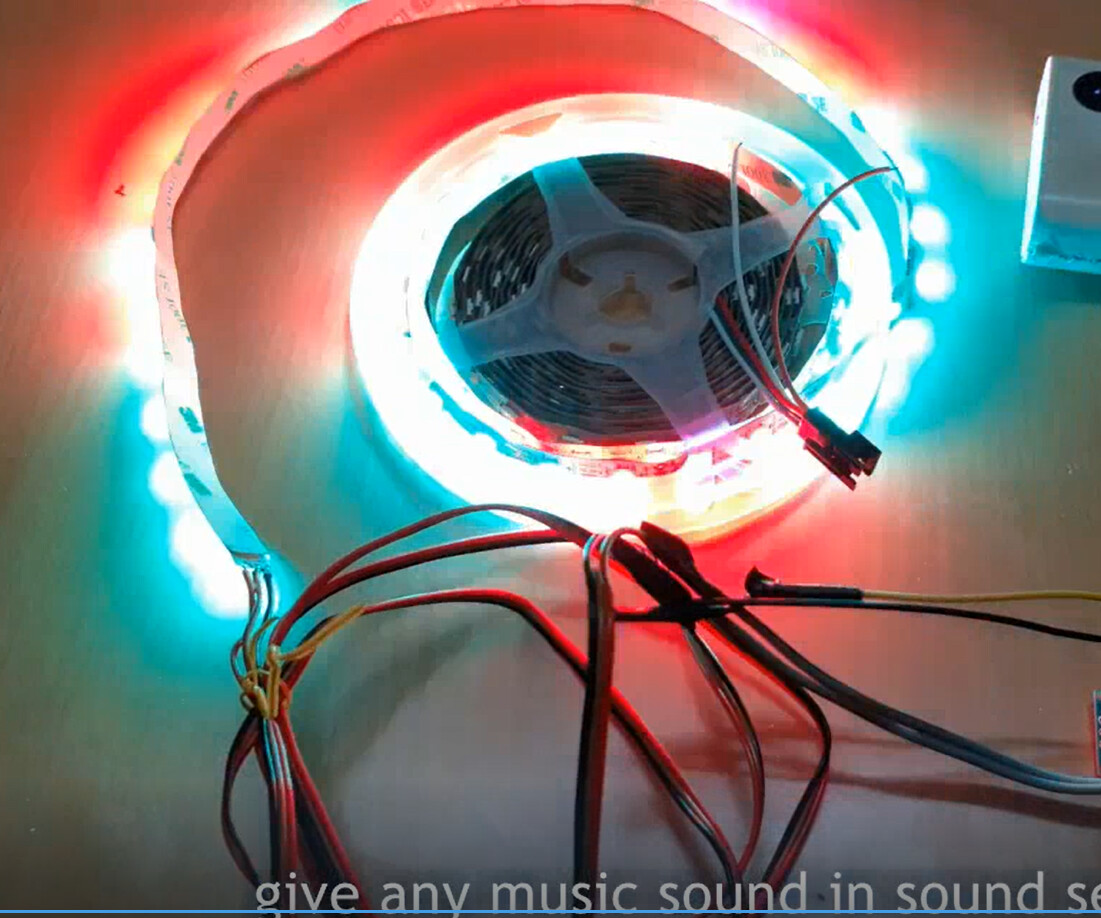
Build a Music Visualizer
Reactive LED strip driven by microphone and ESP32.
Build a Network Monitor
Desk device showing internet health with LEDs and OLED.

Build a Personal Dashboard
ESP32 display showing weather, crypto and GitHub stats.
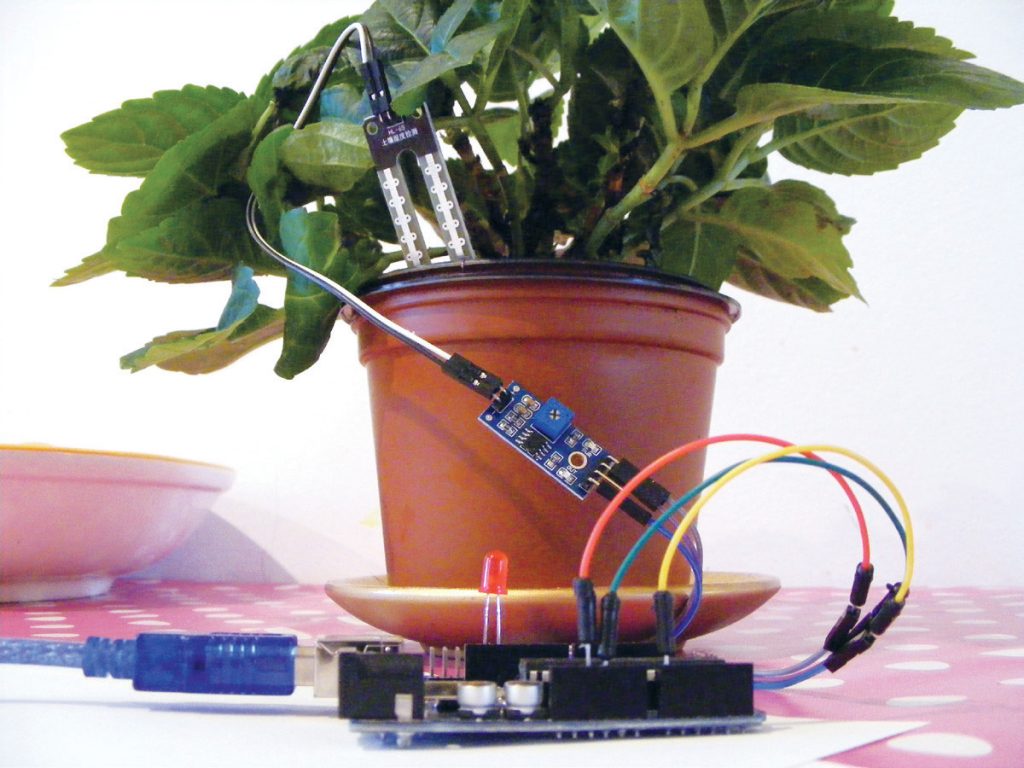
Build a Plant Monitor
Soil moisture sensor, OLED display and watering alerts.
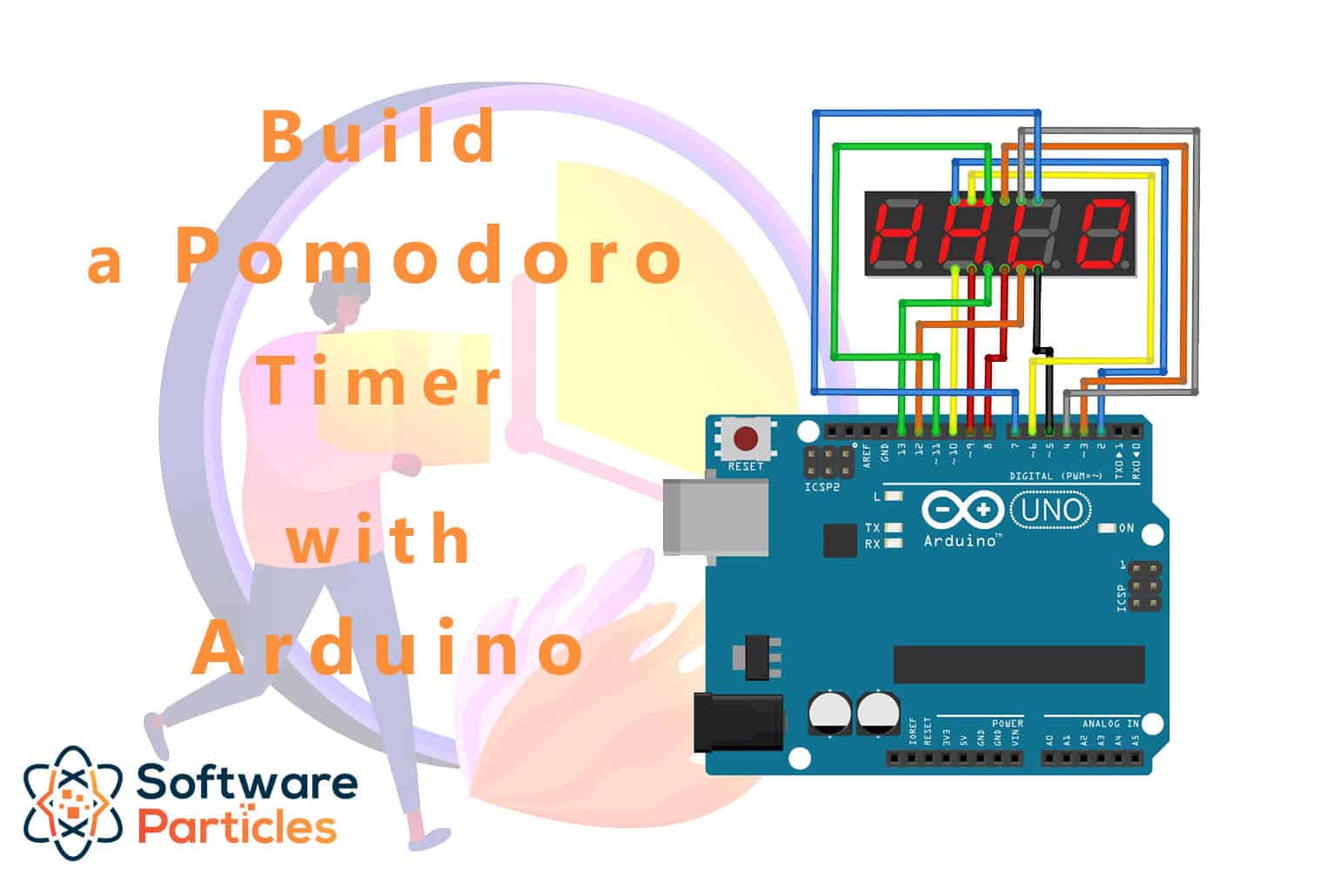
Build a Pomodoro Timer
Physical button timer for focused work sessions with OLED display and buzzer.
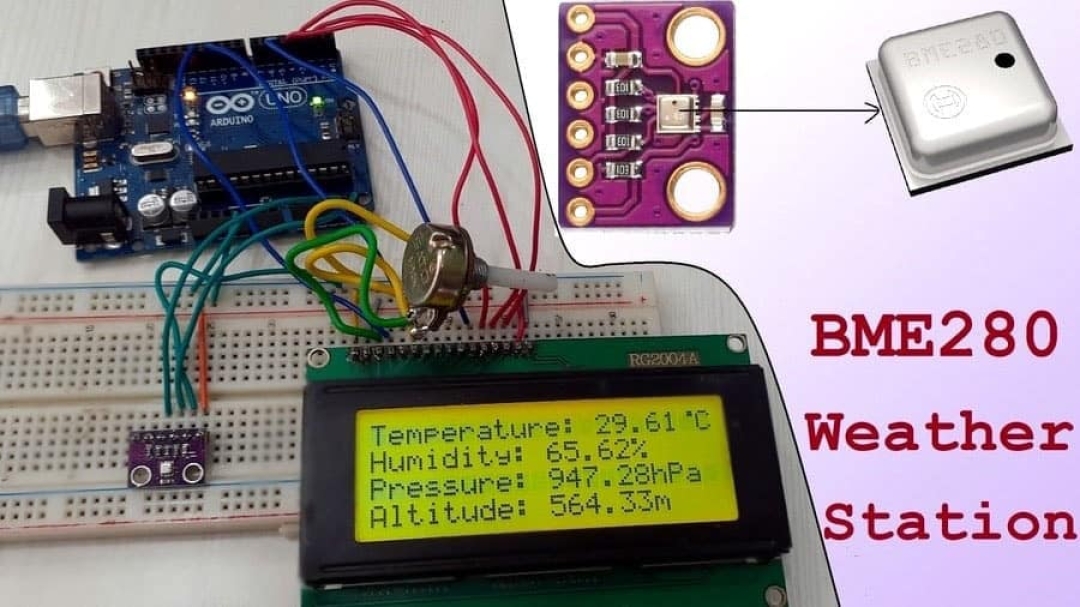
Build a Weather Station
Desktop weather station with ESP32, BME280 sensor and OLED display.
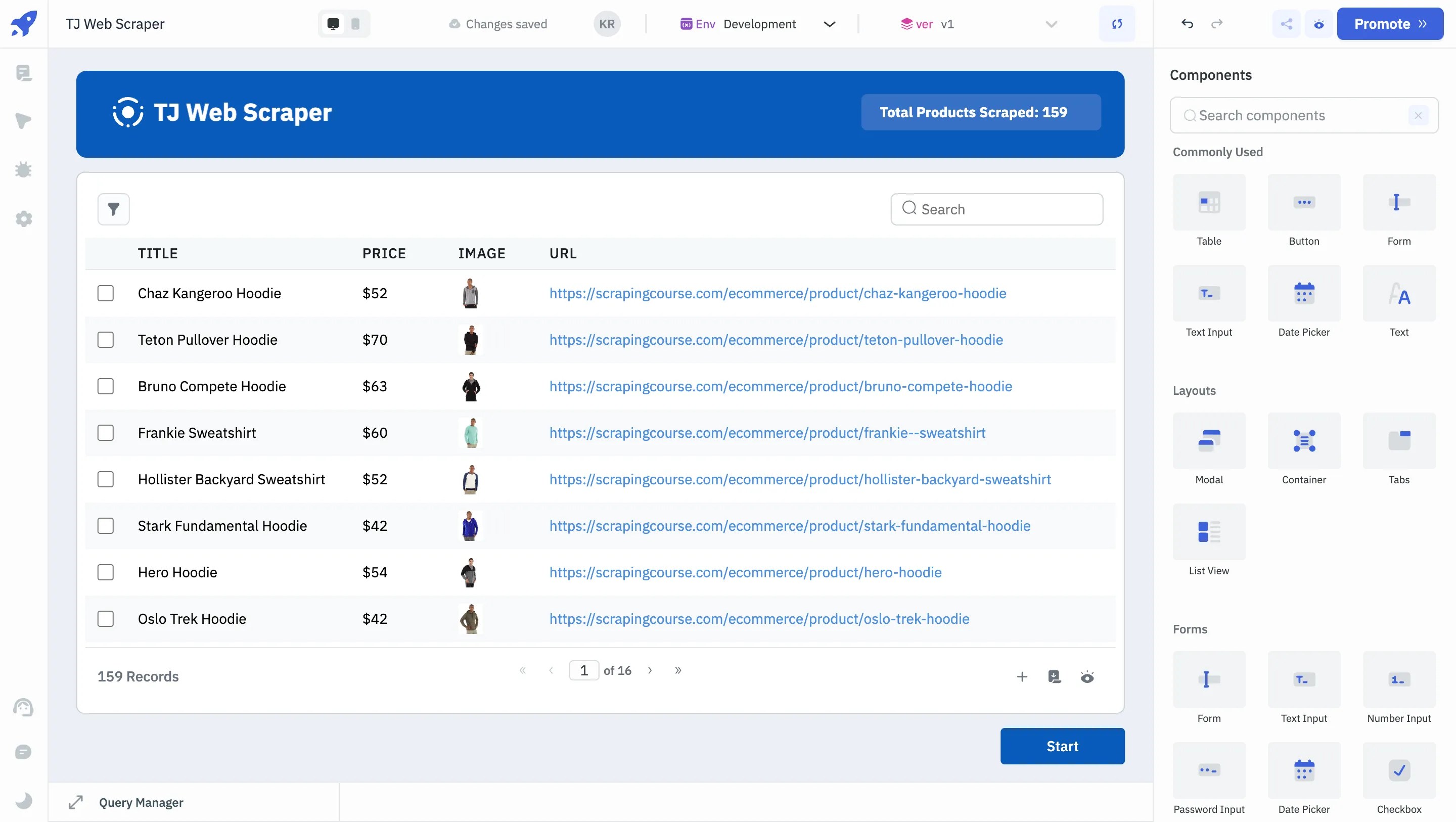
Build a Web Scraper & Alert System
Monitor any website, get notified when it changes.

Cyberdeck Wireless Remote: Home Automation Guide
Build a relay controller and LED strip driver in a cyberpunk case. Control lights from your phone, build HTTP APIs, learn home automation.
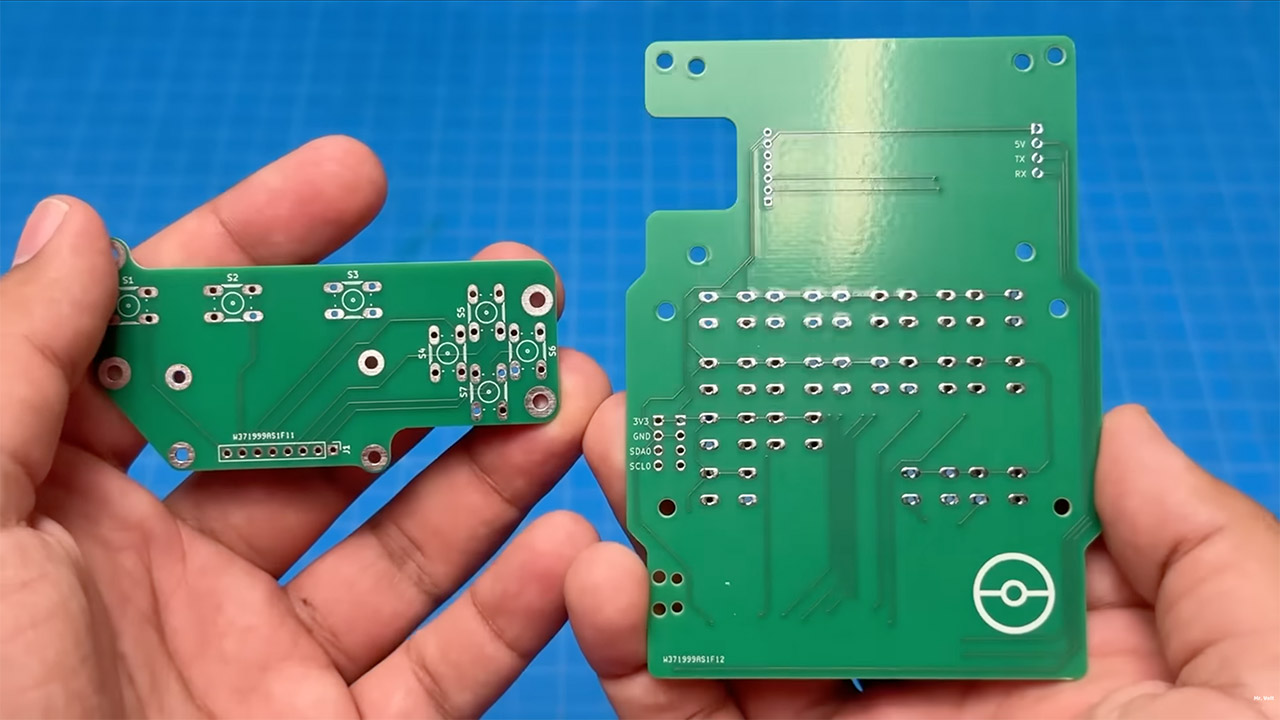
Full Pokédex Station: Combo Build Guide
Combine the Pixel Dex Scanner and Pokéball Signal Tower into one unit — OLED screen + LED ring in a complete interactive Pokédex.

Pikachu Buzzer Badge: Sound & Melody Guide
Build a wearable Pikachu badge that plays sounds, melodies, and custom SFX. Press buttons, make noise, have fun.

Pixel Dex Scanner: OLED Display & Sensors
Build a Pokédex with an OLED screen and IR sensor. Scan objects, display pixel art, and log your discoveries.

Pokéball Signal Tower: LED Patterns & WiFi Alerts
Build a Pokéball-shaped LED ring that displays patterns, responds to WiFi notifications, and looks incredible on your desk.

Retro Game Console Shell: Build & Play Your Own Games
Code Pong, Snake, and Breakout on an OLED screen inside a 3D-printed Game Boy shell. The ultimate beginner project.
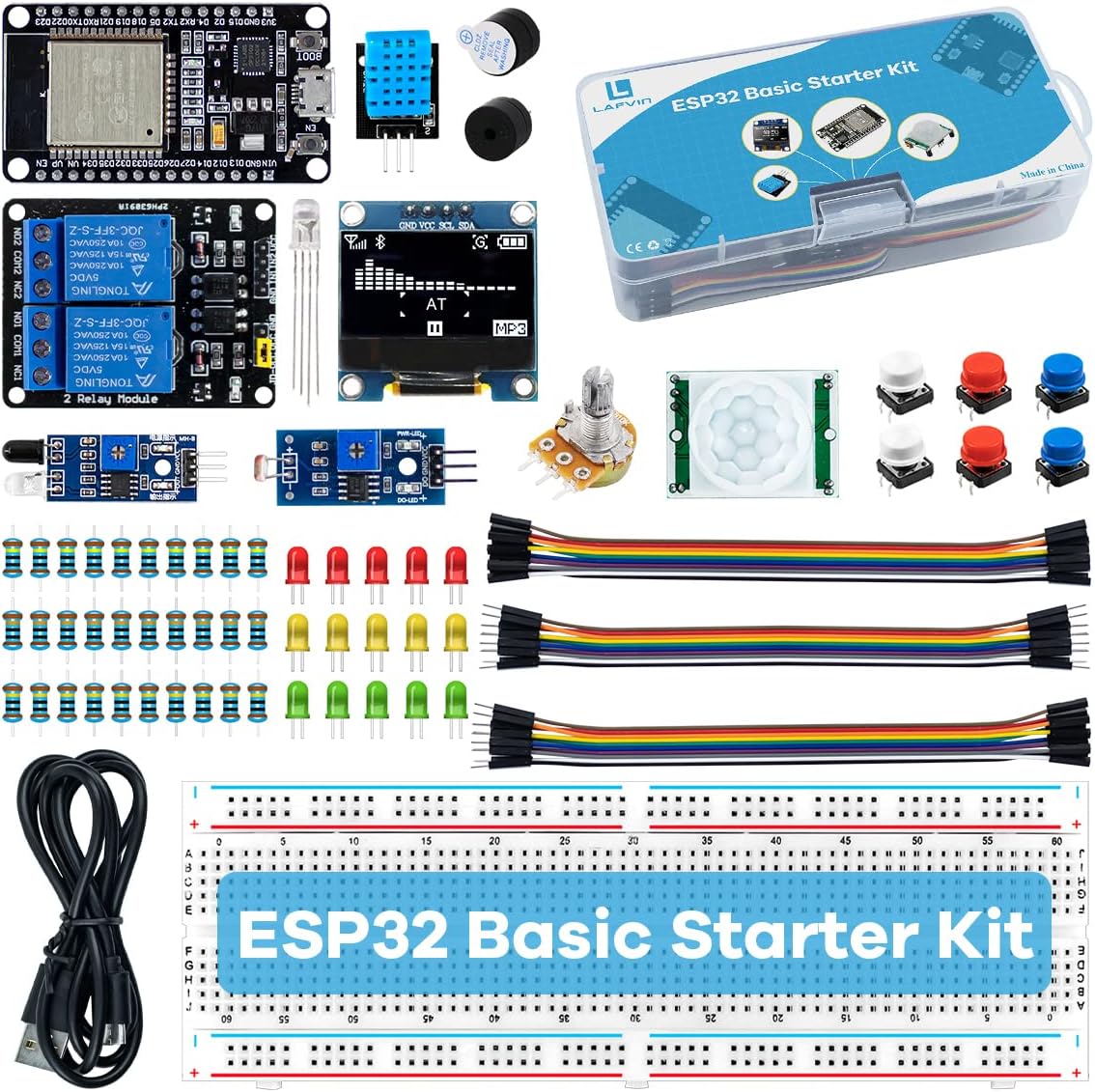
Welcome to the Lab: Starter Pack Build Guide
Your first electronics project — unbox, wire, flash, and play. Everything you need to know to get your Trainer's Lab Starter Pack running.
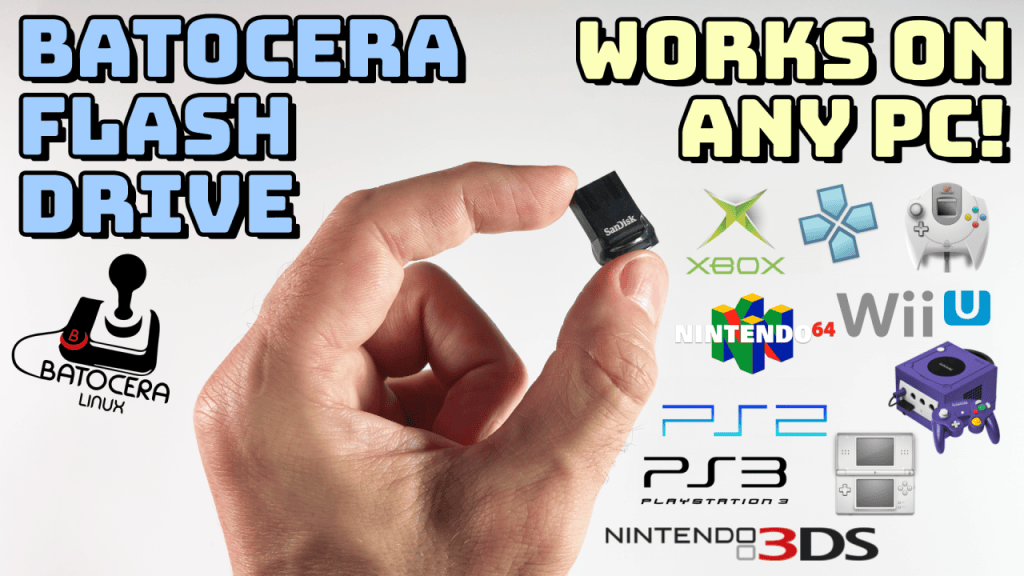
Build a Batocera Console: EmulationStation on a Drive, Boot Any PC
Turn a USB flash drive or hard drive into a retro console with Batocera — flash it, add your ROMs, boot it on any laptop or PC, and theme it properly.
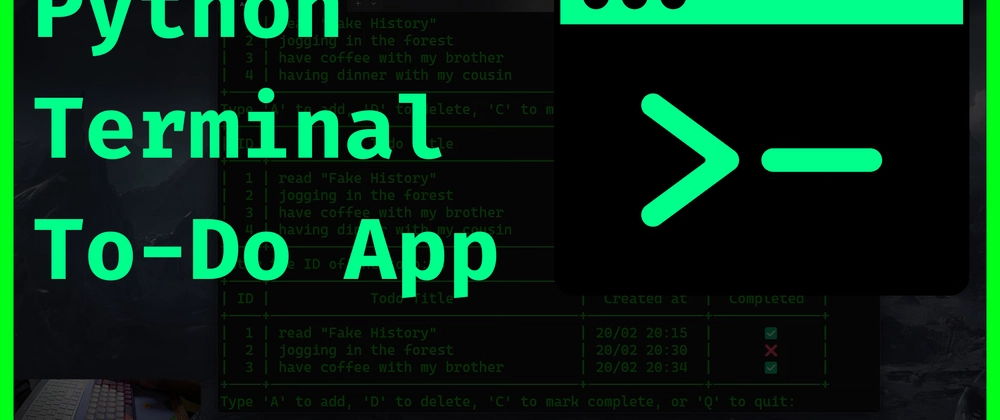
Project: Build a Command-Line To-Do App
A first real project — write a small to-do list program in Python and run it from the terminal.
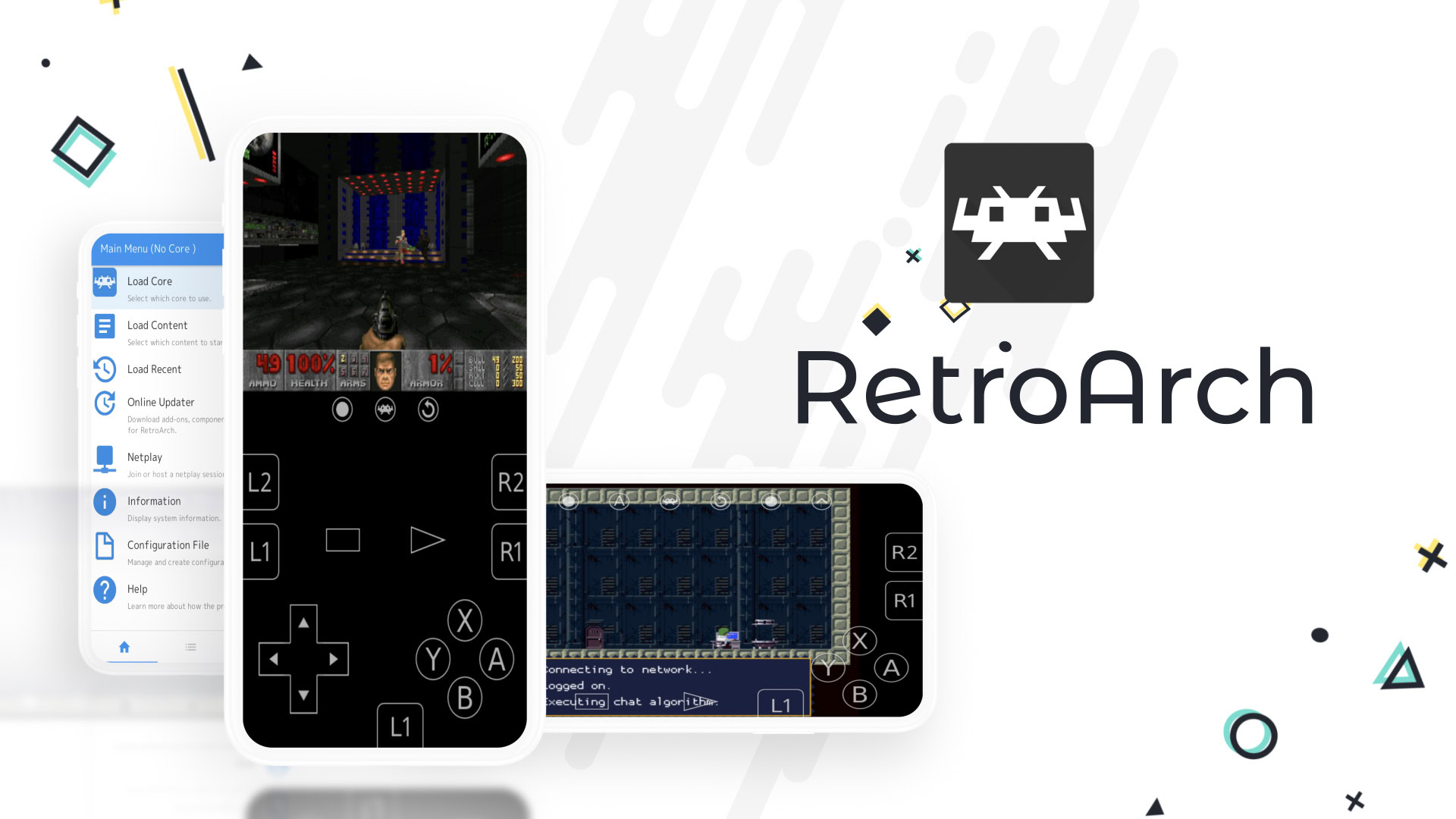
Emulators on Android: Pick the Right One and Set It Up
How to set up retro emulation on Android with the best-looking, easiest-to-use apps — RetroArch for everything, plus the quickest per-console options.
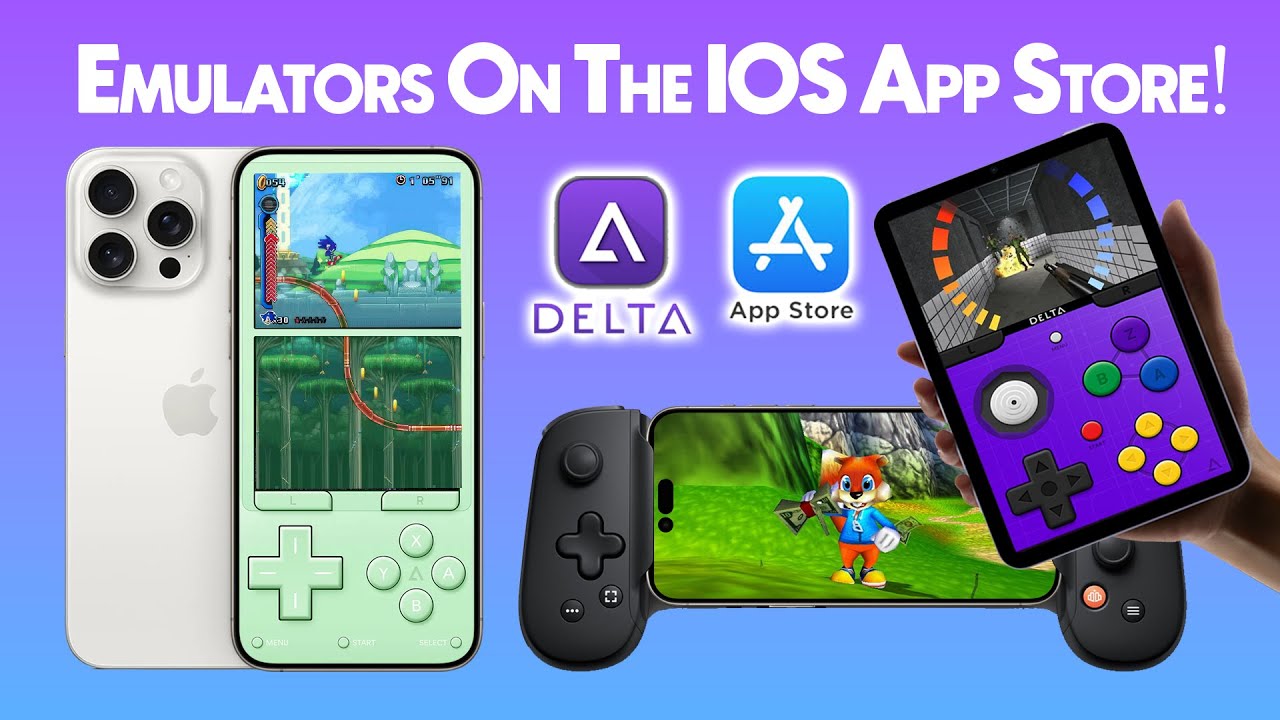
Emulators on iPhone: Delta, ROMs and Getting Started
The complete beginner setup for emulating retro consoles on your iPhone with Delta — install, side-load-free on the App Store, import ROMs and play.
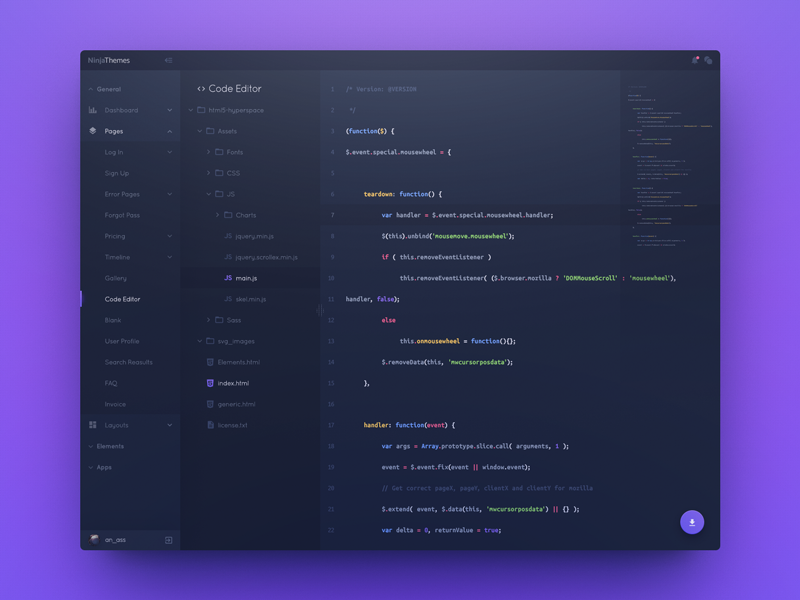
Learn with NexCampus — an Offline Student Toolkit
A free, offline learning suite with a Code Lab, dictionary, flashcards, periodic table and more. Open it in your browser and start.
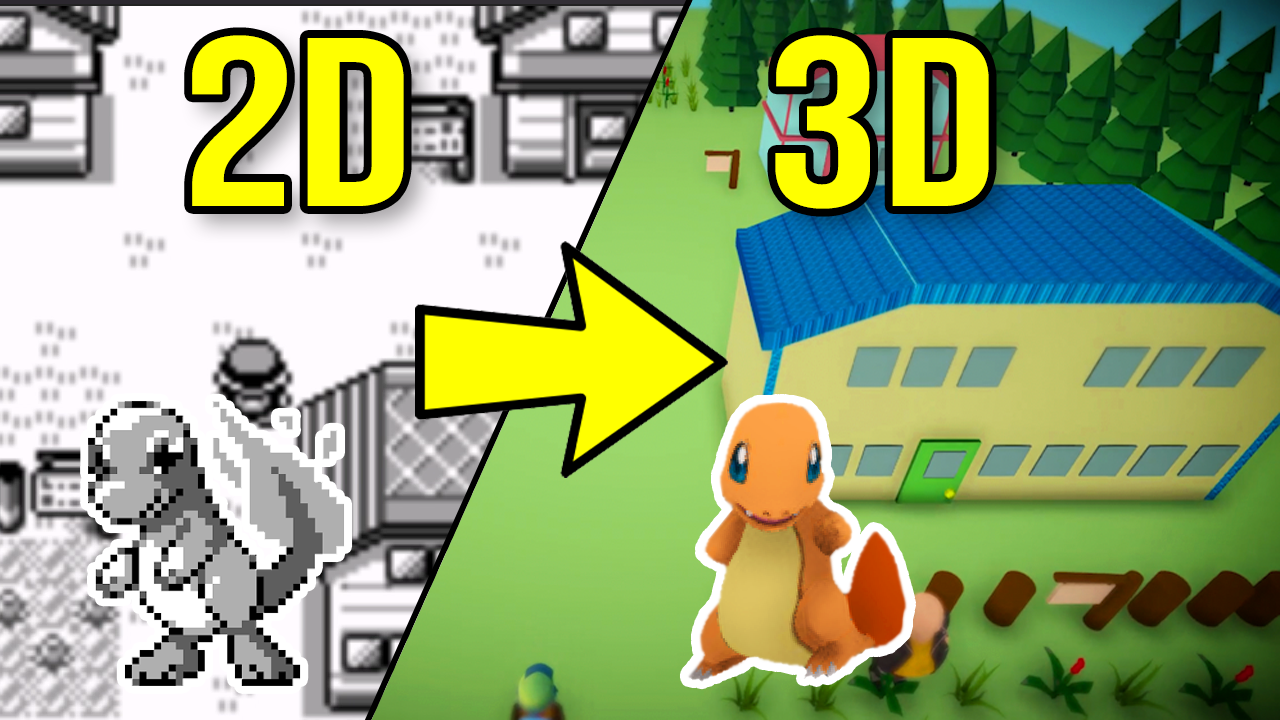
Pokémon in 3D on Android: Gen1Recomp + VoxelMod
Play Pokémon Red, Blue and Yellow natively in 3D on Android with Gen1Recomp — import your ROM, add the VoxelMod, and get the 3D camera working.
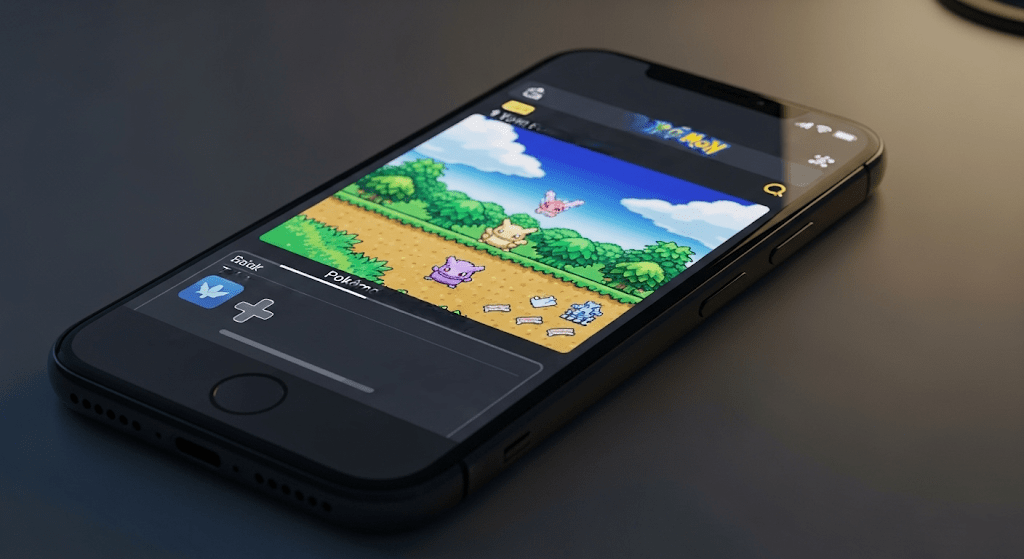
Pokémon in 3D on iPhone: Phosphor + the Dramaless Voxel Mod
Run Pokémon Red, Blue or Yellow in full 3D on iOS with Phosphor — import your ROM, add the Dramaless Shape voxel mod and get the 3D camera working.
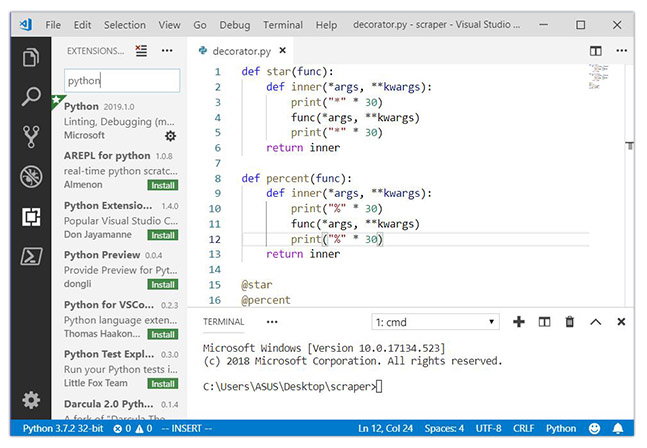
Python Basics: Variables, Loops and Functions
Your first real taste of programming — the three ideas every language is built on, in Python.
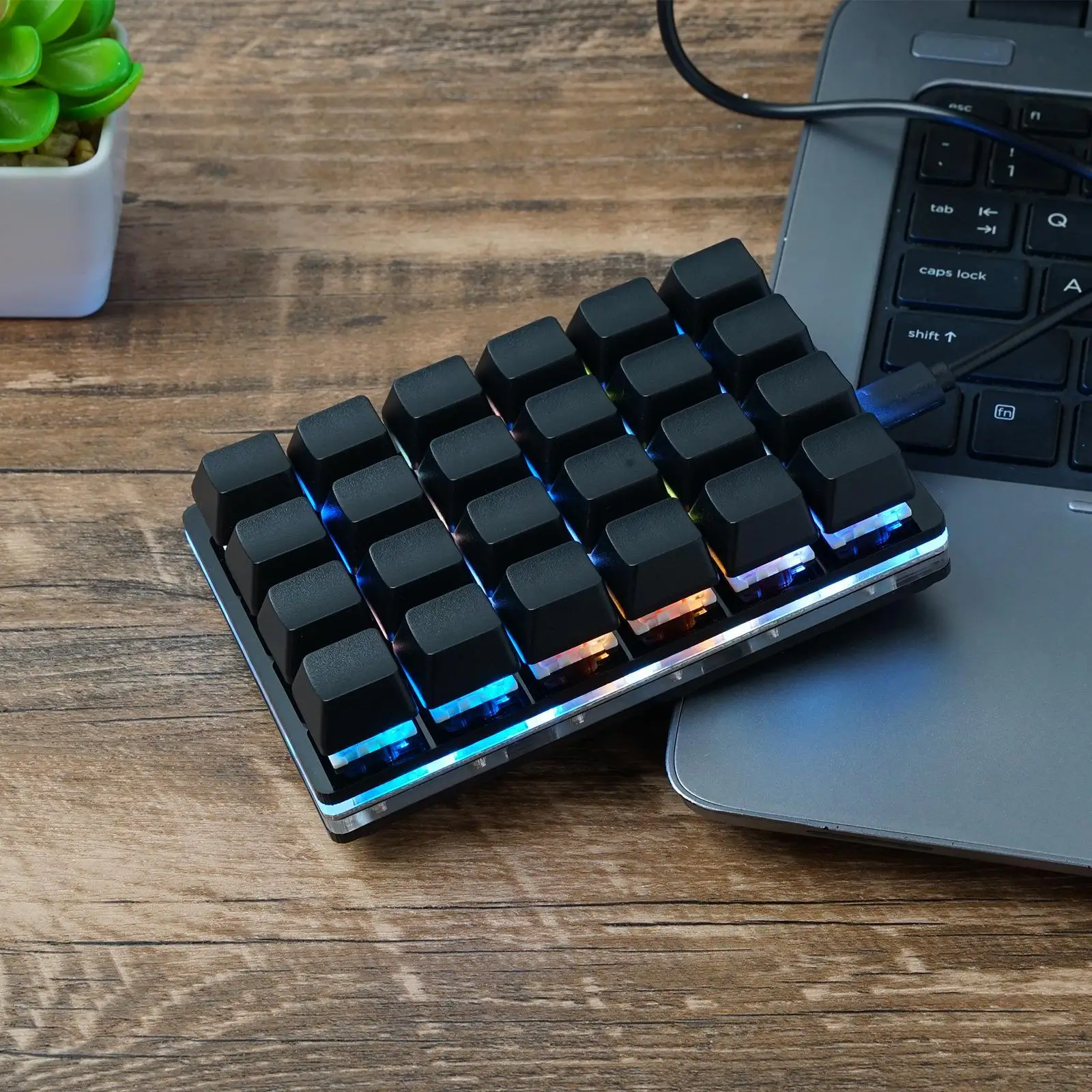
SudoDeck: Buttons, Macros and Actions
Every action type on the SudoDeck explained, with examples and when to use each one.
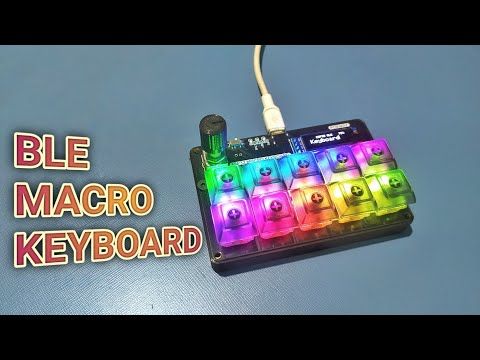
Setting Up Your SudoDeck
From unboxing to your first macro — flash, connect and configure the SudoDeck macro keyboard.
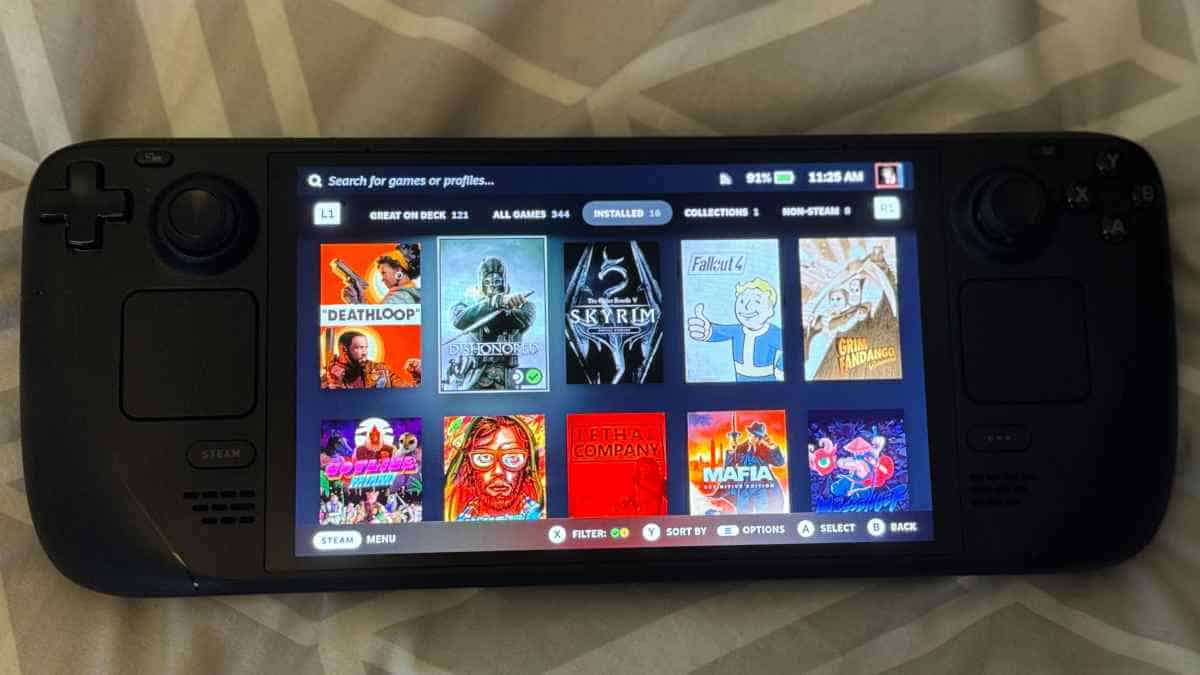
Flashing SudoOS onto Your Handheld
A step-by-step guide to putting SudoOS on your handheld console, from downloading the image to first boot.
Your First Terminal Commands
Never touched a terminal before? Here are the commands that actually matter, explained without the jargon.
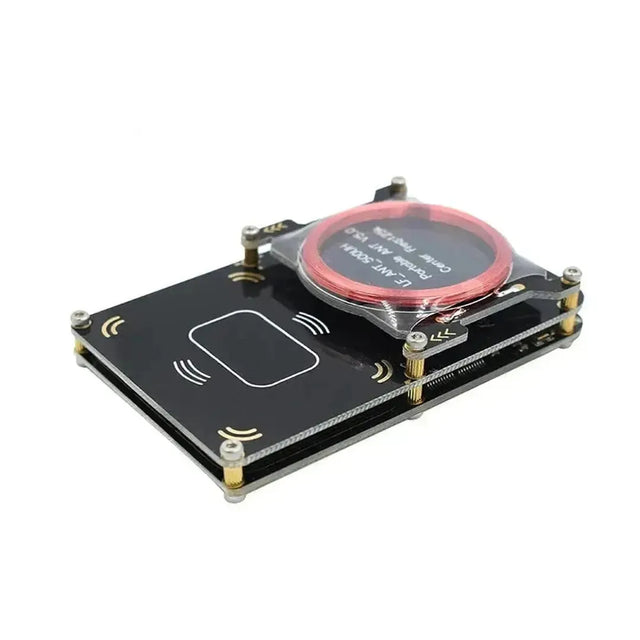
Reading and Writing RFID Cards
How EM410x cards work and how to read, clone and write IDs with the card reader.