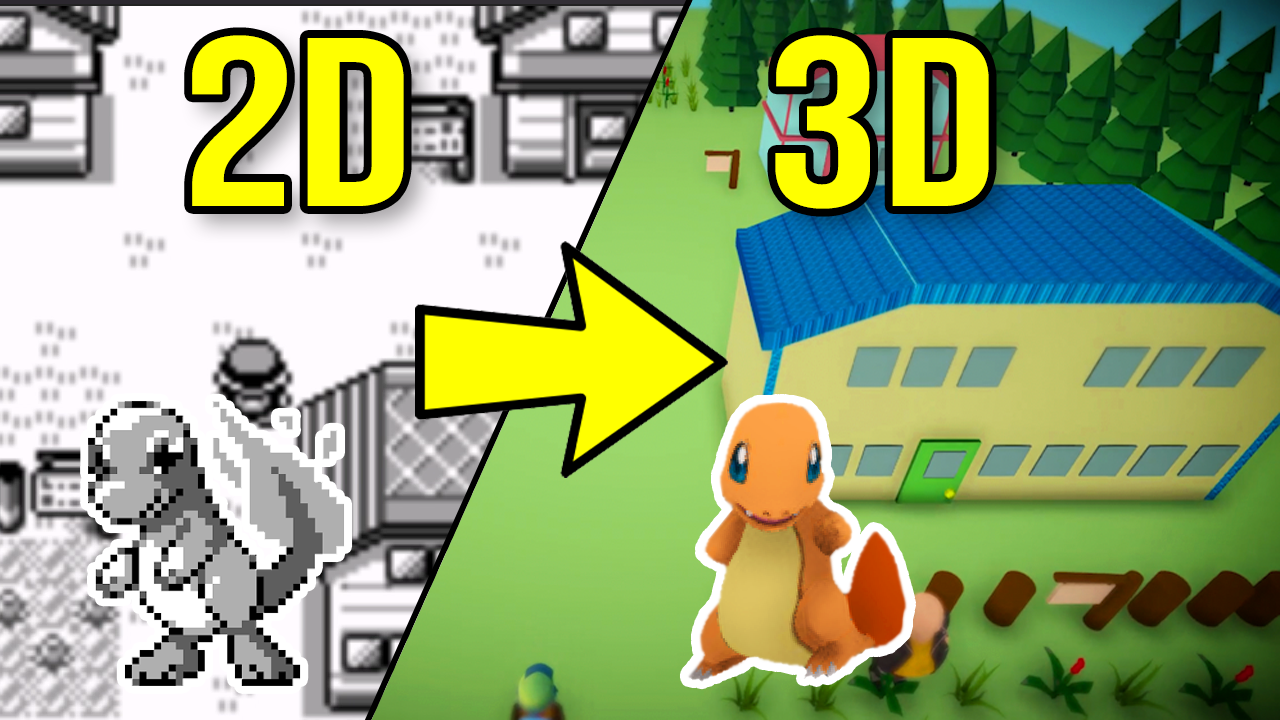
Pokémon in 3D on Android: Gen1Recomp + VoxelMod
Play Pokémon Red, Blue and Yellow natively in 3D on Android with Gen1Recomp — import your ROM, add the VoxelMod, and get the 3D camera working.
Gen1Recomp is a native re-implementation of the original Pokémon games — it doesn’t emulate the Game Boy, it rebuilds the game from your ROM and runs it natively. Add the VoxelMod and you get a fully explorable 3D Kanto, with a camera you control. Best of all: it runs on Android phones in about ten minutes.
What you need
- Android phone (any semi-modern one handles this fine)
- A Pokémon Red, Blue or Yellow ROM (.gb / .gbc)
- The Gen1Recomp Android app (.apk)
- The VoxelMod (a
.mod.zipfile)
Step 1 — Get Gen1Recomp for Android
- Go to gen1recomp.com/download/.
- Find the Android build and download the
.apk. - Install it. Android will warn about sideloading apps from outside the App Store — tap Allow / Install anyway if it offers that, or install via a file manager if it blocks direct install.
Gen1Recomp needs the ROMs you provide — it doesn’t include game content. Use a ROM you legally own.
Step 2 — Import your Pokémon ROM
- Open Gen1Recomp.
- On the home screen, pick Red, Blue or Yellow (choose the one matching your ROM’s language/version).
- Tap Import ROM and select your
.gbfile. - The UI confirms the ROM and shows Play
in the bar at the bottom.
If it says the ROM doesn’t match — you picked the wrong version. A US Red ROM must be imported as “Red”. Language mismatches (e.g. JP ROM selected as US) will also be rejected.
Step 3 — Get the VoxelMod
The 3D comes from DramaticShapeVoxelMod (and its maintained fork
Dramaless Shape). It’s distributed as a .mod.zip.
- From the Gen1Recomp site, download the VoxelMod package. Look for the Dramatic Shape / Dramaless Shape release on GitHub, or use the preserved VoxelMod builds on gen1recomp.com if the main line is down.
- Keep it as a zip. Don’t unzip it.
- Save it somewhere easy to find, like
Downloads.
Step 4 — Install the mod
- In Gen1Recomp, open the menu (the row of icons at the top. The grid of squares near “Y” is the Mods section).
- Tap Import mod.zip (or Mods → Import).
- Select your
dramaticshapevoxelmod(...).zip. - The mod appears in the list, labelled Dramatic Shape Voxel Mod.
- Enable it — tap it / toggle it on.
Step 5 — Turn on the 3D view and camera
- Start your game.
- Open the game’s settings / mod menu.
- Enable the 3D view (voxel rendering of the overworld). The default may be flat until you turn this on the first time.
- Find the camera options:
- Camera mode: overhead vs 1st/3rd person (follow-behind). Third-person gives the modern-Pokémon feel.
- Look controls: drag to look around; Y-CONTROL INVERT if your vertical look feels reversed.
- Zoom / curvature / palette: tune how close and warm the world looks.
- Save and restart the game to apply a clean boot.
Making it run well on a phone
- Lower zoom/effects if it feels heavy — the voxel renderer is doing real work every frame.
- Use a Bluetooth controller for the smoothest camera control; touch drag is fine but a stick is nicer for the 3D view.
- If the mod menu feels cramped on a small screen, rotate to landscape.
Troubleshooting
- “Can’t import” the mod — the
mod.zipmust contain the mod’s own folder/mod.jsonat its root. Re-download from a known-good release. - World still flat — the mod is imported but not enabled, or 3D view is off in settings. Check both.
- Game runs but mod crashes it — try an older VoxelMod build (v1.x) — some newer nightly builds are smoother on desktop than on phones.
- Blue/Yellow won’t import — import them as their own colours, not Red.
For the Windows/Mac version the flow is identical minus the .apk step. And iPhone users can get this same experience through Phosphor — see our iPhone 3D Pokémon guide.
$ ./shop-this-guide
Built, tested and ready to go on this site.
 Made to order
SudoOS Handheld — Vertical
Hand-built vertical console with SudoOS — free games card included
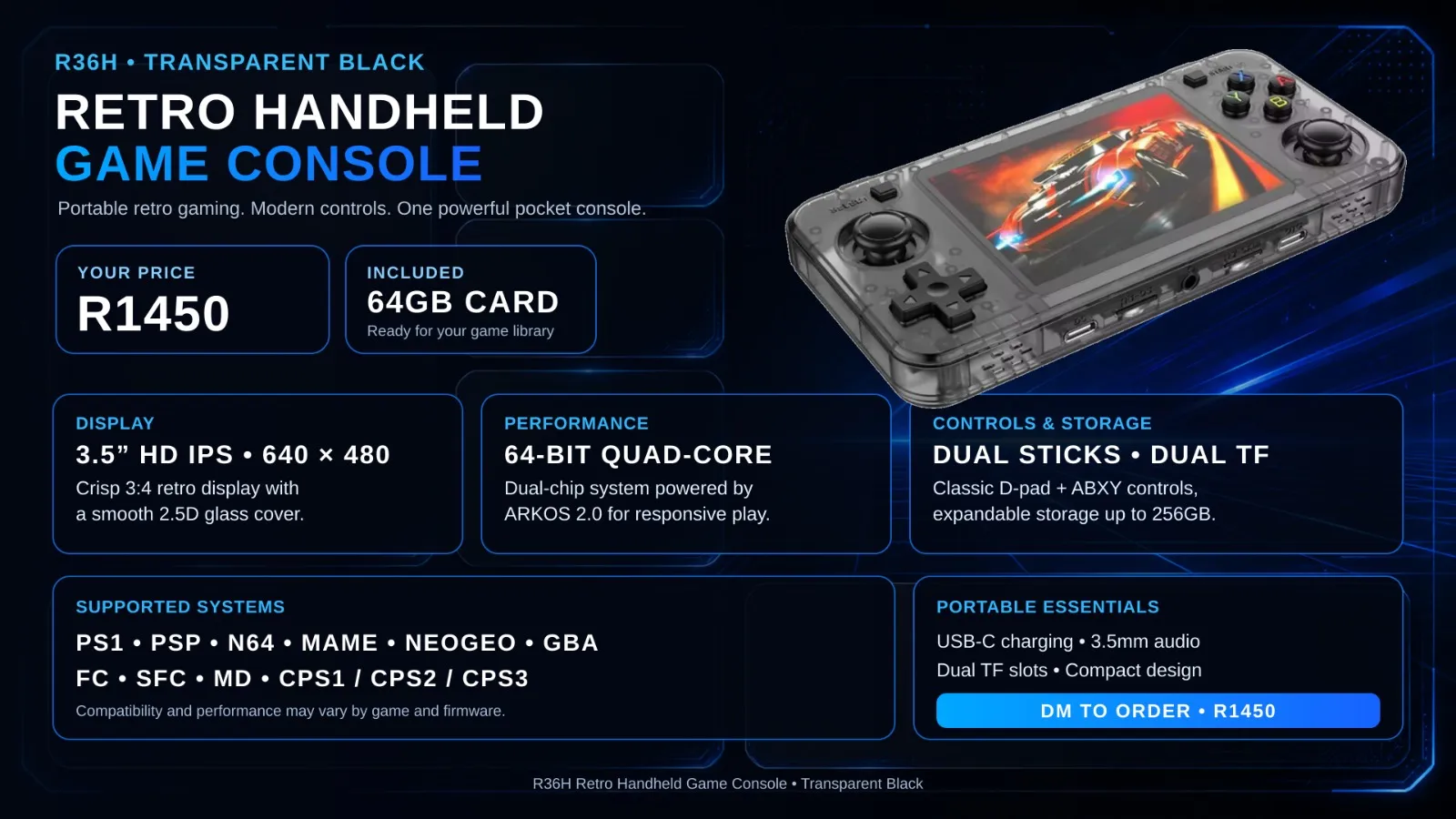 Made to order
SudoOS Handheld — Horizontal
Hand-built horizontal console with SudoOS — free games card included
 In stock
SudoOS SD Card
A games card for your handheld, ready to boot
$ ./read-next
Pokémon in 3D on iPhone: Phosphor + the Dramaless Voxel Mod
Run Pokémon Red, Blue or Yellow in full 3D on iOS with Phosphor — import your ROM, add the Dramaless Shape voxel mod and get the 3D camera working.
beginnerEmulators on Android: Pick the Right One and Set It Up
How to set up retro emulation on Android with the best-looking, easiest-to-use apps — RetroArch for everything, plus the quickest per-console options.
intermediateRetro Game Console Shell: Build & Play Your Own Games
Code Pong, Snake, and Breakout on an OLED screen inside a 3D-printed Game Boy shell. The ultimate beginner project.