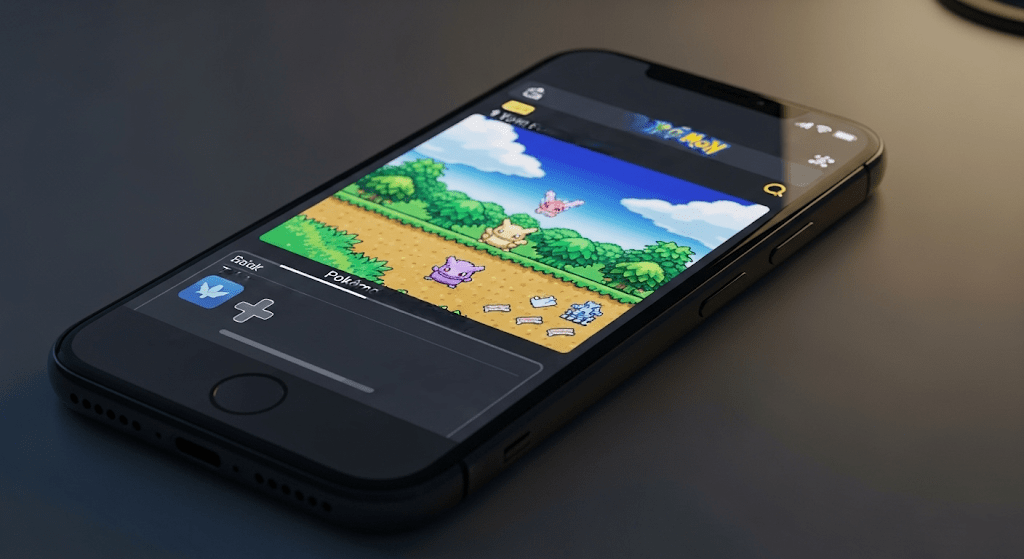
Pokémon in 3D on iPhone: Phosphor + the Dramaless Voxel Mod
Run Pokémon Red, Blue or Yellow in full 3D on iOS with Phosphor — import your ROM, add the Dramaless Shape voxel mod and get the 3D camera working.
Playing the original Pokémon on iPhone is nothing new. Playing it in actual 3D, with a controllable camera, is. This guide covers the exact setup I use: Phosphor on iOS + the Dramaless Shape voxel mod.
What you get
- A native Pokemon Red/Blue/Yellow overworld rendered as a 3D voxel world
- A third-person / first-person camera you can look around with
- 3D-staged battles, with the classic 2D battle cards
- Save states and fast-forward from the emulator
Step 1 — Install Phosphor
- Open the App Store and search Phosphor Emulator (by SquatchCraft LLC).
- Install it. It’s free, and it’s the first iOS App Store emulator with real mod support for GB/GBA games.
Delta can also run these games, but Phosphor is the one that supports the voxel mod loading directly, which is why it’s the right tool for this.
Step 2 — Get your Pokémon ROM
Phosphor needs your Pokémon game file. You need a Pokémon Red, Blue or Yellow ROM (.gb) — same idea as with any emulator: use a ROM of a game you legitimately own (dump it from your cartridge, or use one you bought via the official Virtual Console and extracted).
Keep the filename simple — e.g.
pokemon_red.gb. Phosphor sometimes chokes on weird names/symbols.
Step 3 — Get the Dramaless Shape voxel mod
The mod is distributed as a .zip file. The maintained line is DRAMALESS_SHAPE — a split/fork of Dramatic Shape that keeps the voxel overworld and 3D battle staging intacts (and is what makes the 3D camera possible on mobile).
- Find the latest
DRAMALESS_SHAPErelease on GitHub (search “Dramaless Shape” — theartyrambles/DRAMALESS_SHAPEfork is one maintained line). - Download the
dramaless_shape_<version>.ziprelease file to your iPhone (via Files app or a browser download). - Don’t unzip it. Phosphor imports the mod as the zip.
If the main line is down or unmaintained, the gen1recomp mod directory on gen1recomp.com keeps preserved VoxelMod versions — grab one of those. “Dramatic Shape” older builds work too, but Dramaless is the one to use on mobile.
Step 4 — Import the ROM and mod into Phosphor
- Open Phosphor.
- Import your ROM — tap the library’s import button and pick your
pokemon_red.gb. The game appears in your library. - Open the game’s options/gear menu and look for Mods (Phosphor keeps
a
modsfolder per game). - Tap Import Mod (or Add mod) and select your
dramaless_shape.zip. - The Dramaless Shape voxel mod now shows in the game’s mod list. It needs to be enabled — make sure its toggle is on.
Step 5 — Launch and get the 3D camera going
- Run Pokémon from your library with the mod enabled. The world should now render as a voxel diorama instead of flat tiles.
- The 3D camera is the fun part:
- In overhead view, press the mapped camera/option button to pop into the 3D perspective.
- In 1st/3rd person you can look around — the mod’s camera controls rotate the view and swing between first- and third-person angles.
- The mod adds a camera/options menu in-game (mirrored in the rom’s mod options) with look sensitivity, Y-invert, zoom and curve options.
- If your look input feels reversed, open the mod’s options and turn on Y-CONTROL INVERT.
Step 6 — Tune the visuals
In the mod’s options you can adjust:
- Camera angle — overhead versus 1st/3rd-person follow-behind
- Zoom / curvature — how close and “curved” the world looks
- NATURE / terrain — some dramaless builds change tree and terrain fills
- Battle art — keep the classic 2D battle cards, or let battle pass through the 3D renderer
Save, restart the game, and any setting that feels off can be adjusted live.
Troubleshooting
- Mod doesn’t load — you imported a
.zipbut Phosphor expects the mod structure intact inside it. Re-download the release zip and re-import. - Game boots flat — the mod isn’t enabled. Check the game’s Mods list and toggle it on, then fully restart the game.
- Camera won’t move — look for the 3D camera control in the mod’s hotkey/options list; on touch it’s often a corner swipe or a dedicated on- screen button. Some builds need the camera switched to 1st/3rd first.
- Wrong Pokémon game — Red, Blue and Yellow all work with the same mod; Gold/Silver aren’t supported by Dramaless at time of writing.
This is the best “modern Pokémon on iOS” experience that exists right now. The same ROM + mod flow works on Android through gen1recomp — covered in the companion guide on this site.
$ ./shop-this-guide
Built, tested and ready to go on this site.
 Made to order
SudoOS Handheld — Vertical
Hand-built vertical console with SudoOS — free games card included
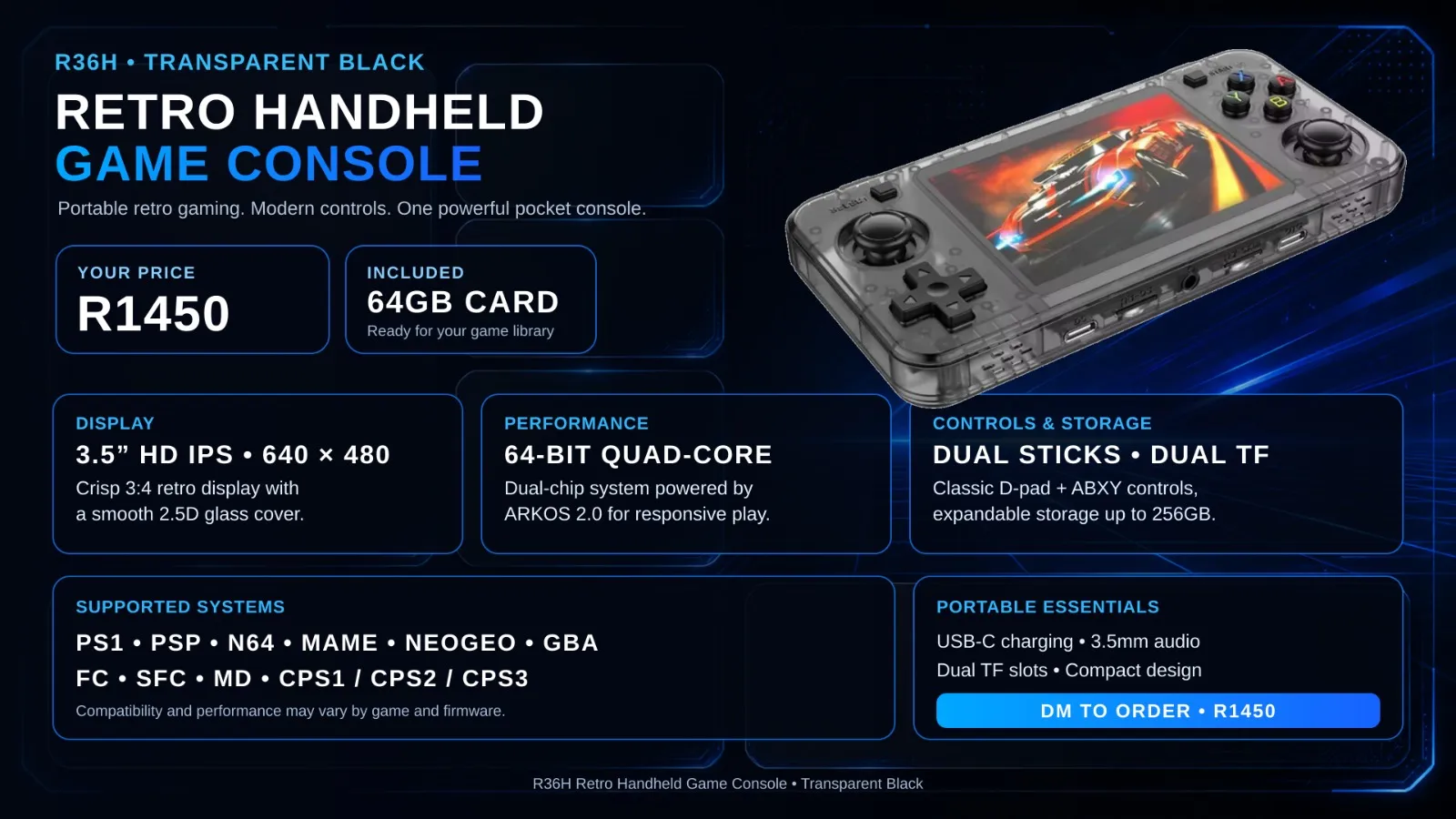 Made to order
SudoOS Handheld — Horizontal
Hand-built horizontal console with SudoOS — free games card included
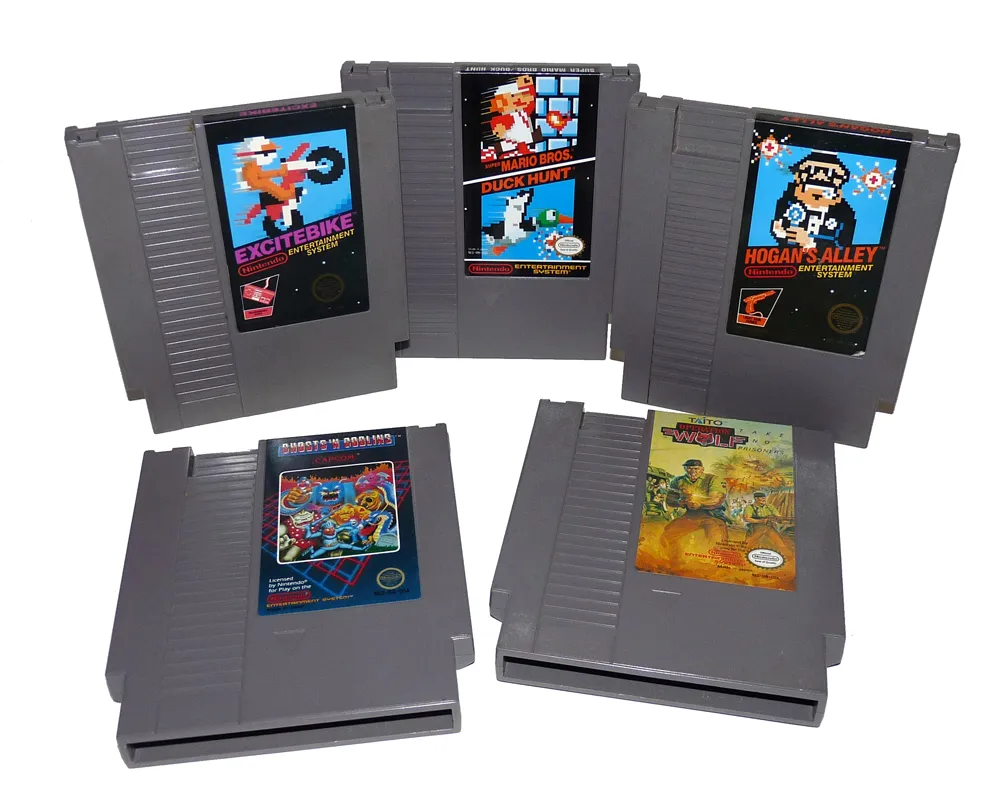 In stock
SudoOS SD Card
A games card for your handheld, ready to boot
$ ./read-next
Pokémon in 3D on Android: Gen1Recomp + VoxelMod
Play Pokémon Red, Blue and Yellow natively in 3D on Android with Gen1Recomp — import your ROM, add the VoxelMod, and get the 3D camera working.
intermediateRetro Game Console Shell: Build & Play Your Own Games
Code Pong, Snake, and Breakout on an OLED screen inside a 3D-printed Game Boy shell. The ultimate beginner project.
intermediateBuild a Batocera Console: EmulationStation on a Drive, Boot Any PC
Turn a USB flash drive or hard drive into a retro console with Batocera — flash it, add your ROMs, boot it on any laptop or PC, and theme it properly.