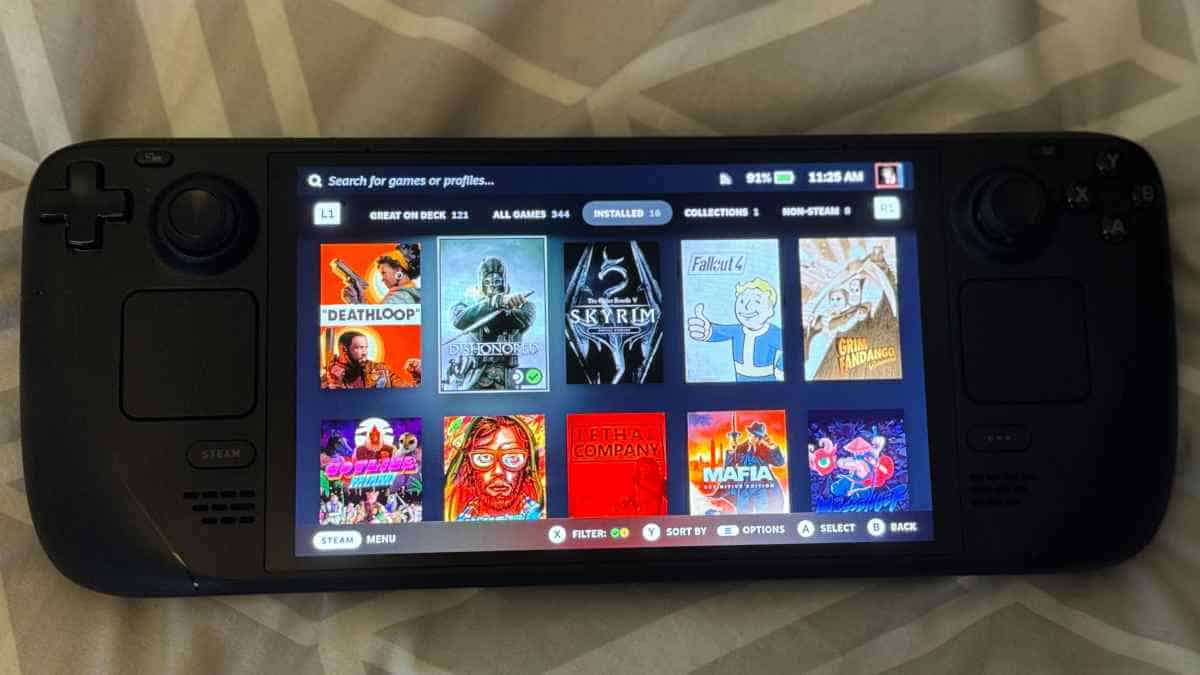
Flashing SudoOS onto Your Handheld
A step-by-step guide to putting SudoOS on your handheld console, from downloading the image to first boot.
Our vertical and horizontal handhelds are great little consoles, but they get a lot better with a proper OS. SudoOS is a custom Linux build made for them — this guide walks you through the whole flash from start to finish.
What you need
- A handheld console
- A microSD card (a good brand — the stock cards die fast)
- A computer with a card reader
- The SudoOS image
Step 1 — Get the image
Download the latest SudoOS image and unzip it. You should end up with a single
.img file.
Step 2 — Flash the card
On Linux, find your card with lsblk, then write the image:
sudo dd if=sudoos.img of=/dev/sdX bs=4M status=progress conv=fsyncReplace /dev/sdX with your actual card device. Double-check this — picking the
wrong device will overwrite the wrong disk.
Step 3 — Boot
Put the card in the handheld and power it on. The first boot takes longer than normal while the filesystem expands and things settle in. Give it a minute.
Step 4 — First things first
- Connect to WiFi so updates work
- Check the storage menu — you may want a second card for games
- Play with the theme and keybindings until it feels right
If something doesn’t work, reach out — hardware varies between batches and most issues are a config tweak away. Or skip the whole thing and grab a pre-loaded SudoOS card from the store instead.
$ ./shop-this-guide
Built, tested and ready to go on this site.
 Made to order
SudoOS Handheld — Vertical
Hand-built vertical console with SudoOS — free games card included
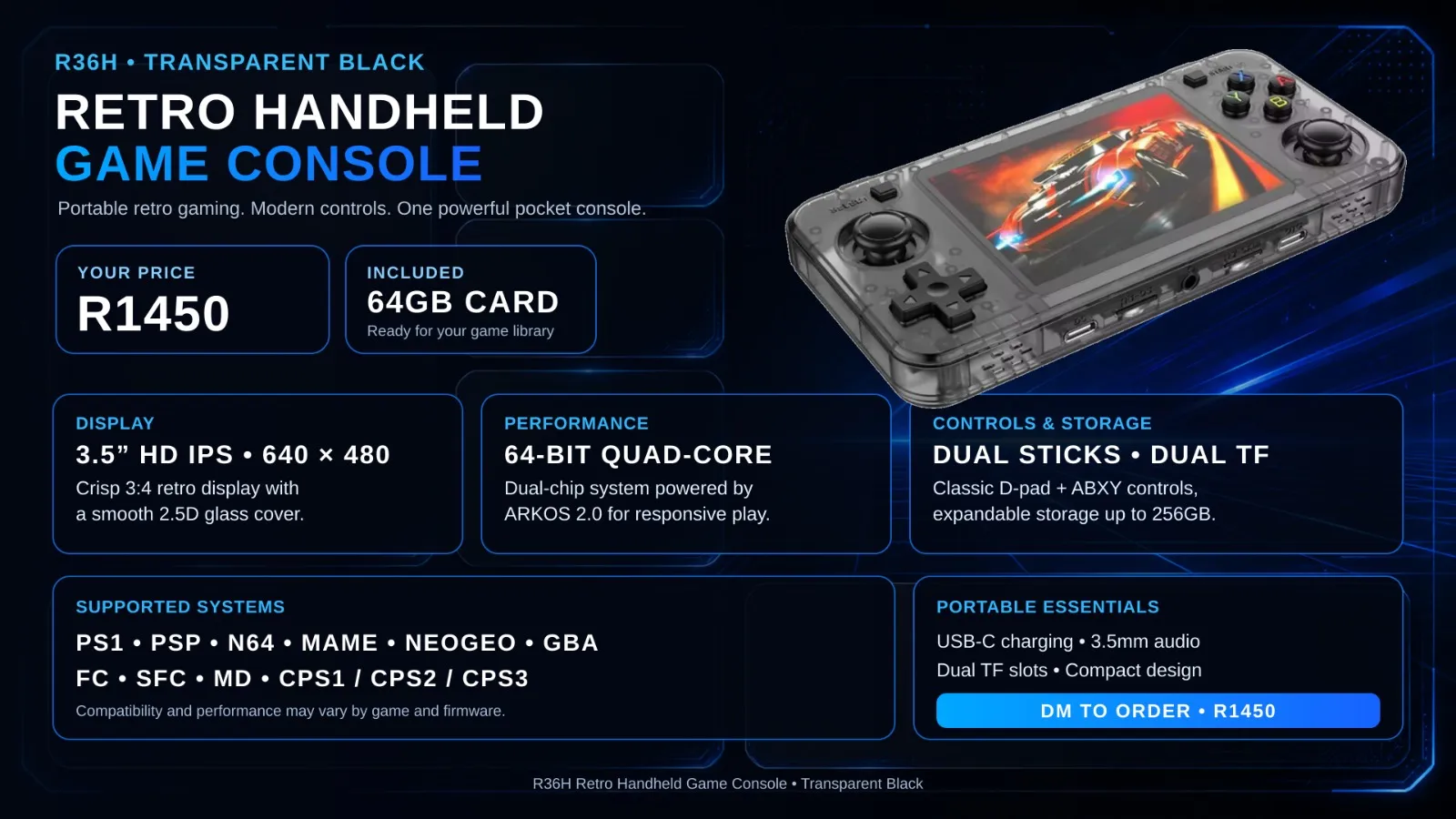 Made to order
SudoOS Handheld — Horizontal
Hand-built horizontal console with SudoOS — free games card included
 In stock
SudoOS SD Card
A games card for your handheld, ready to boot
$ ./read-next
Build a Batocera Console: EmulationStation on a Drive, Boot Any PC
Turn a USB flash drive or hard drive into a retro console with Batocera — flash it, add your ROMs, boot it on any laptop or PC, and theme it properly.
beginnerYour First Terminal Commands
Never touched a terminal before? Here are the commands that actually matter, explained without the jargon.