
Your First Terminal Commands
Never touched a terminal before? Here are the commands that actually matter, explained without the jargon.
The terminal looks scary until you realise it’s just a faster way to talk to your computer. These few commands cover 90% of what you’ll do day to day.
Where am I, and what’s here?
pwd     # print working directory — where you are
ls      # list files in the current directory
ls -la  # list everything, including hidden files
Moving around
cd folder        # change directory
cd ..            # go up one level
cd ~             # go home
Making and removing things
mkdir my-project     # make a directory
touch notes.txt      # create an empty file
rm notes.txt         # remove a file
rm -r my-project     # remove a directory and its contents
Reading and searching
cat file.txt    # print a whole file
head file.txt   # print the top of a file
grep word file  # find lines containing "word"
The one command that saves you
man command # the manual — help for any commandPress q to quit the manual. When in doubt, man it.
The golden rule
rm does not send things to a recycle bin. When something is removed, it’s
gone. Read your command twice before you press enter.
$ ./shop-this-guide
Built, tested and ready to go on this site.
 In stock
Card Read/Write Software
Terminal tooling for your Proxmark3 — software only
 Made to order
SudoOS Handheld — Vertical
Hand-built vertical console with SudoOS — free games card included
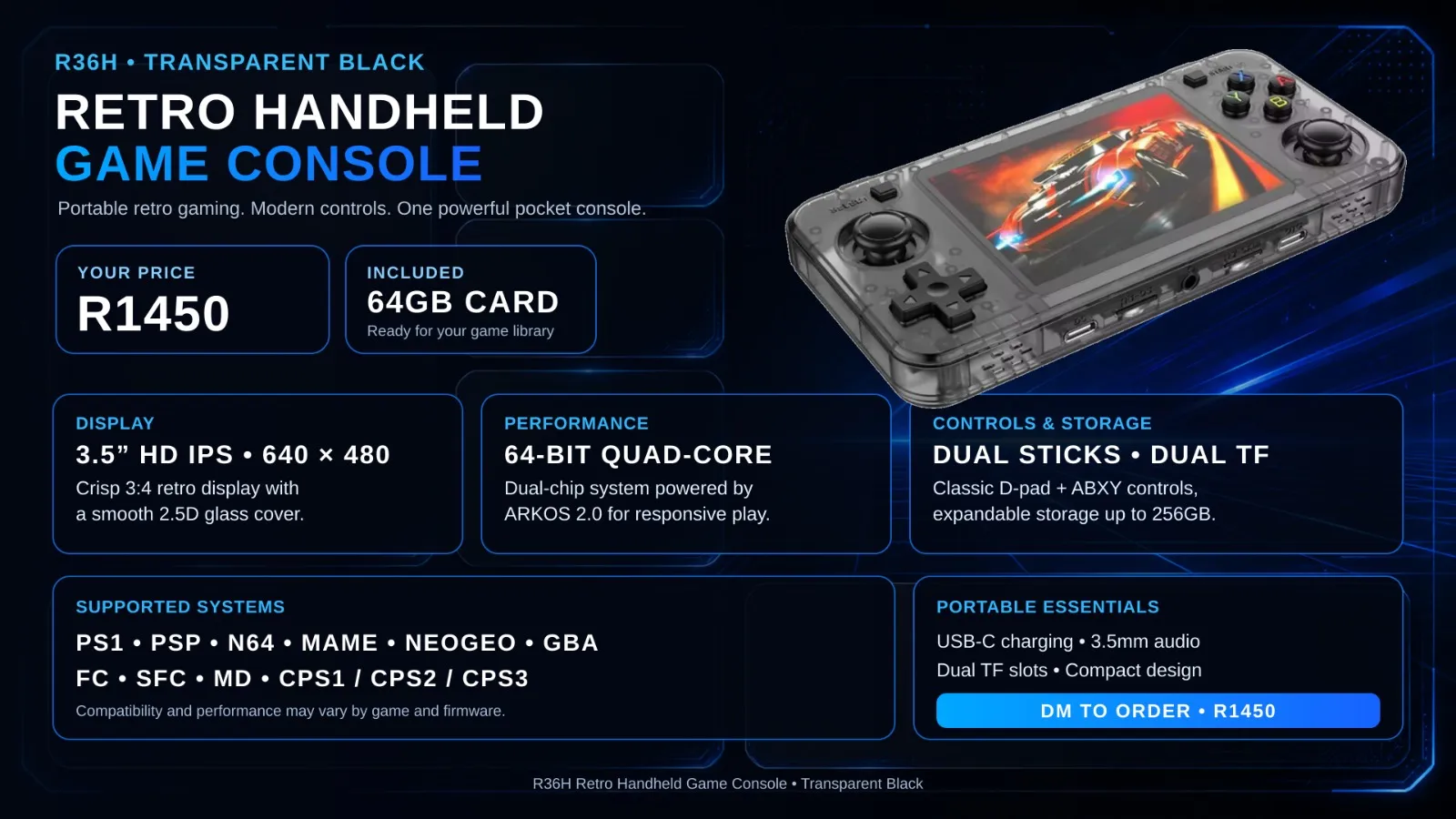 Made to order
SudoOS Handheld — Horizontal
Hand-built horizontal console with SudoOS — free games card included
$ ./read-next
Build a Batocera Console: EmulationStation on a Drive, Boot Any PC
Turn a USB flash drive or hard drive into a retro console with Batocera — flash it, add your ROMs, boot it on any laptop or PC, and theme it properly.
beginnerFlashing SudoOS onto Your Handheld
A step-by-step guide to putting SudoOS on your handheld console, from downloading the image to first boot.