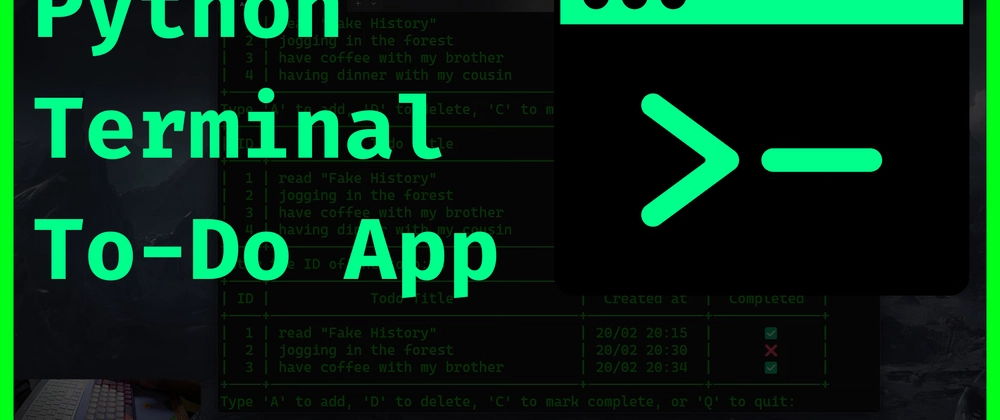
Project: Build a Command-Line To-Do App
A first real project — write a small to-do list program in Python and run it from the terminal.
A to-do app is the classic first project — small, useful, and it teaches you variables, lists, loops and functions all at once. You’ll write it in about thirty lines.
What it’ll do
- Add a task
- List all tasks
- Remove a task
Everything happens in the terminal.
The code
tasks = []

def show_tasks():
    if not tasks:
        print("Nothing to do yet.")
        return
    for i, task in enumerate(tasks, 1):
        print(f"{i}. {task}")

def add_task(task):
    tasks.append(task)
    print(f"Added: {task}")

def remove_task(number):
    if 0 < number <= len(tasks):
        removed = tasks.pop(number - 1)
        print(f"Removed: {removed}")
    else:
        print("That task doesn't exist.")

while True:
    print("\n1. Show tasks  2. Add task  3. Remove task  4. Quit")
    choice = input("> ")

    if choice == "1":
        show_tasks()
    elif choice == "2":
        add_task(input("Task: "))
    elif choice == "3":
        show_tasks()
        remove_task(int(input("Number to remove: ")))
    elif choice == "4":
        print("Bye.")
        break
Save it as todo.py and run it with:
python3 todo.pyHow to improve it
- Save tasks to a file so they survive a restart
- Add a “mark done” option
- Read a command like
add buy milkon one line instead of a menu
Every one of those is a small step from where you are now — and each one will teach you something new. That’s how every real program gets built: start tiny, then add one feature at a time.
$ ./shop-this-guide
Built, tested and ready to go on this site.
$ ./read-next
Python Basics: Variables, Loops and Functions
Your first real taste of programming — the three ideas every language is built on, in Python.
beginnerBuild a Browser Game
HTML5 canvas game built from scratch with JavaScript.
beginnerBuild a Digital Pet
Tamagotchi-style virtual pet with OLED, buttons and buzzer.